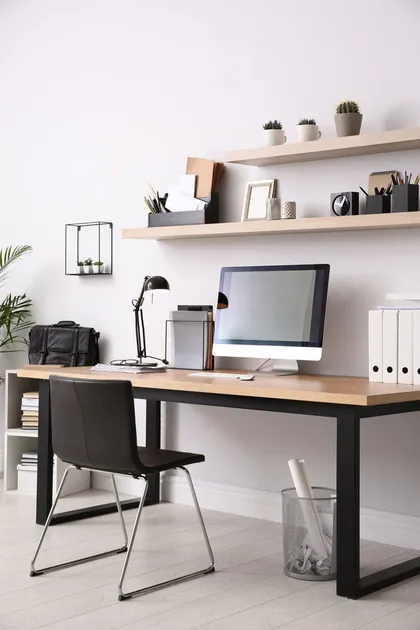
Decide what the room is for
Home offices drift into storage rooms because nobody decided their job. Write down what you do in this room each week, such as video calls, bill paying, a side business or homework, and who else uses it.
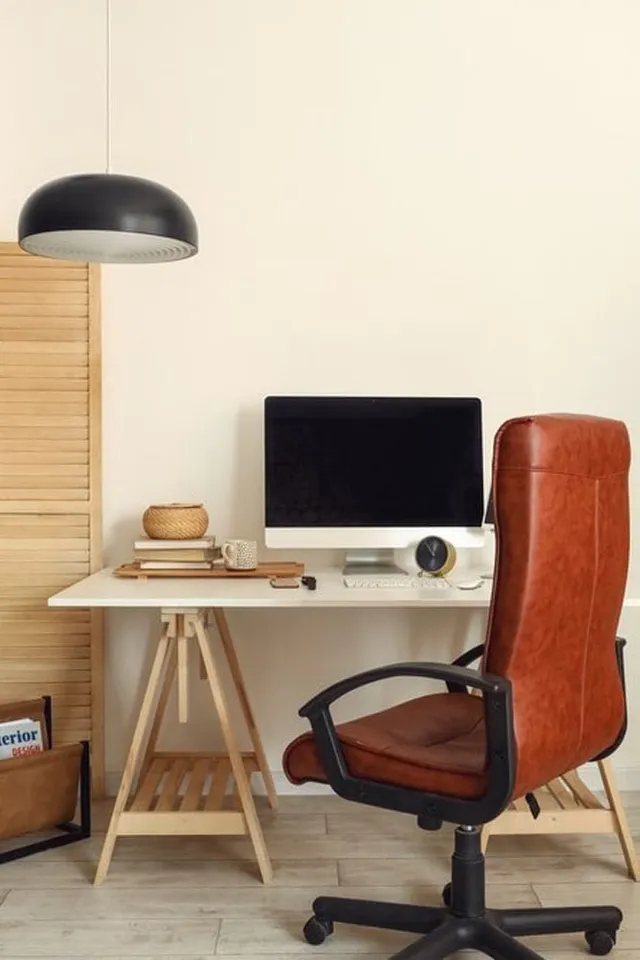
Anything that doesn't serve those uses moves out. Guest bedding, holiday décor and exercise gear take up the room you need for work, and in many newer Las Vegas homes the office is a small den near the entry that can't afford overflow.
Zone the room around how you work
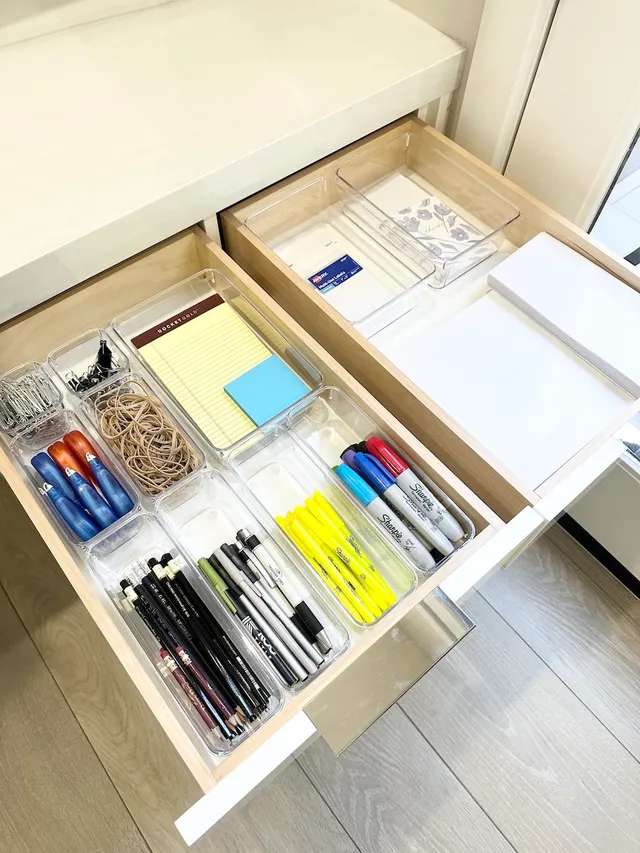
Three zones keep a home office functional even in a small space. Active work lives on or in the desk, reference material sits within reach of your chair, and backstock lives farthest away.
If two people share the office, give each a desk zone and share the supply zone. Labeled shelves or bins for each person prevent the slow mix of one person's papers with the other's.
| Zone | Keep here | Ideal spot |
|---|---|---|
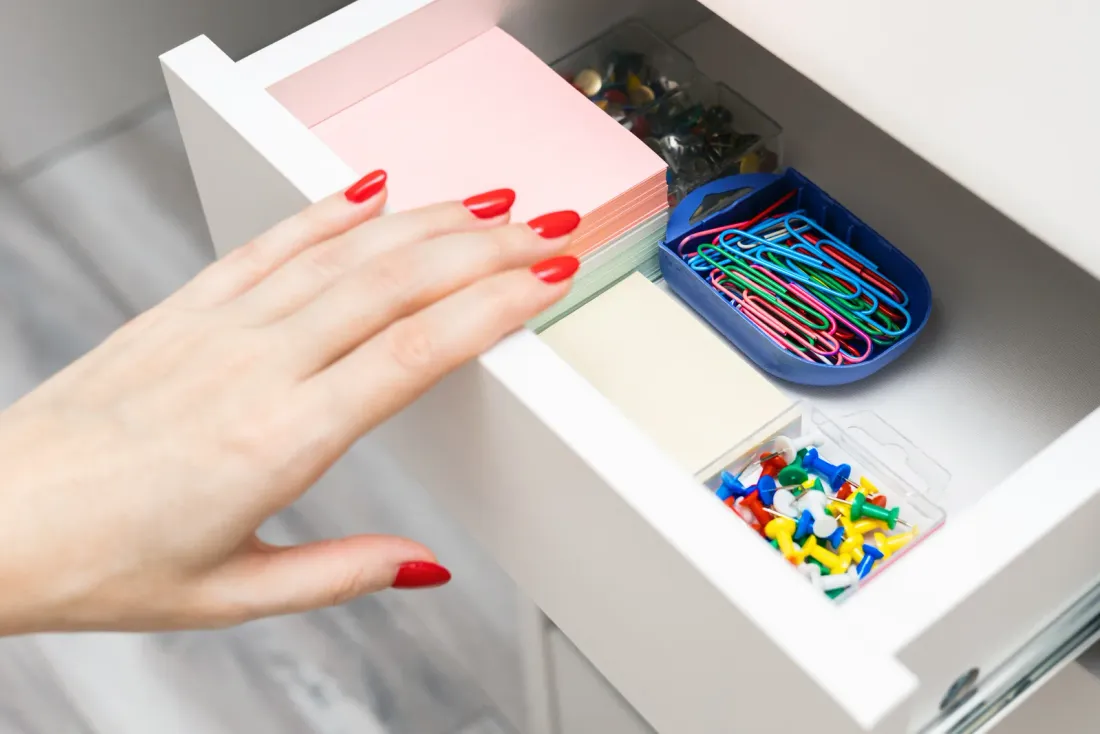
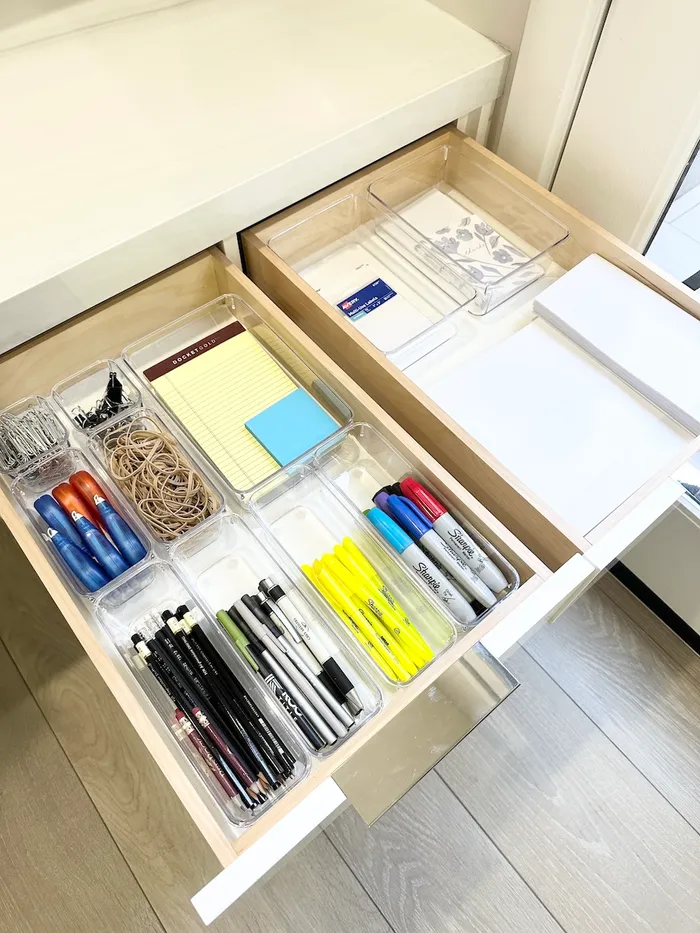
| Active work | Laptop or monitor, notebook, current projects, one pen cup | Desk surface and top drawer |
| Reference | Active files, manuals, books you consult | Shelf or cabinet within arm's reach of the chair |
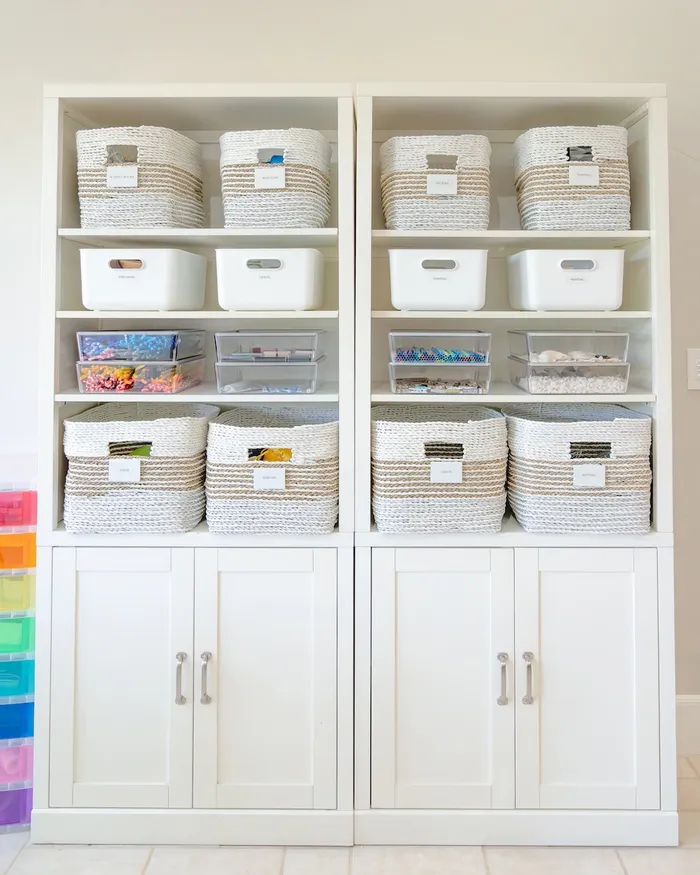
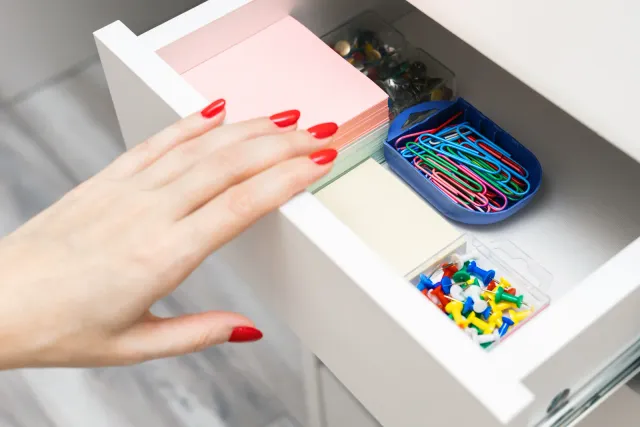
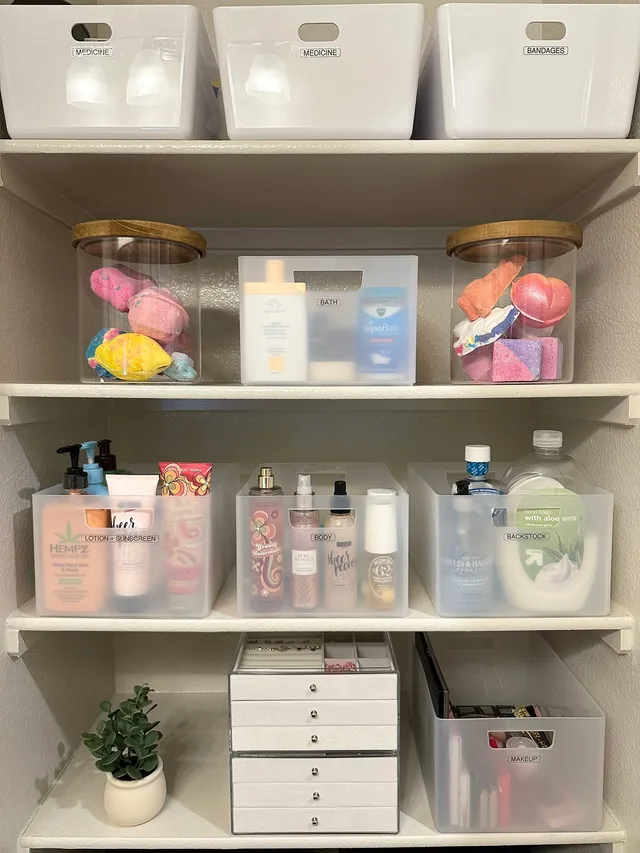
| Supply | Printer paper, ink, envelopes, spare cables, mailing supplies | Closet, lower cabinet or a labeled bin set |
| Archive | Tax records and long-term documents | File box or cabinet out of the main work area |
Step by step
- Empty the room
Remove items that don't belong to work and set them aside for their proper rooms.
- Sort papers into two piles
Action now, or archive, scan and shred. No third pile.
- Route cords
Install a cable tray and clips while the desk is accessible.
- Place the zones
Load the desk, reference shelf and supply storage in order of how often you reach for each.
- Label and reset
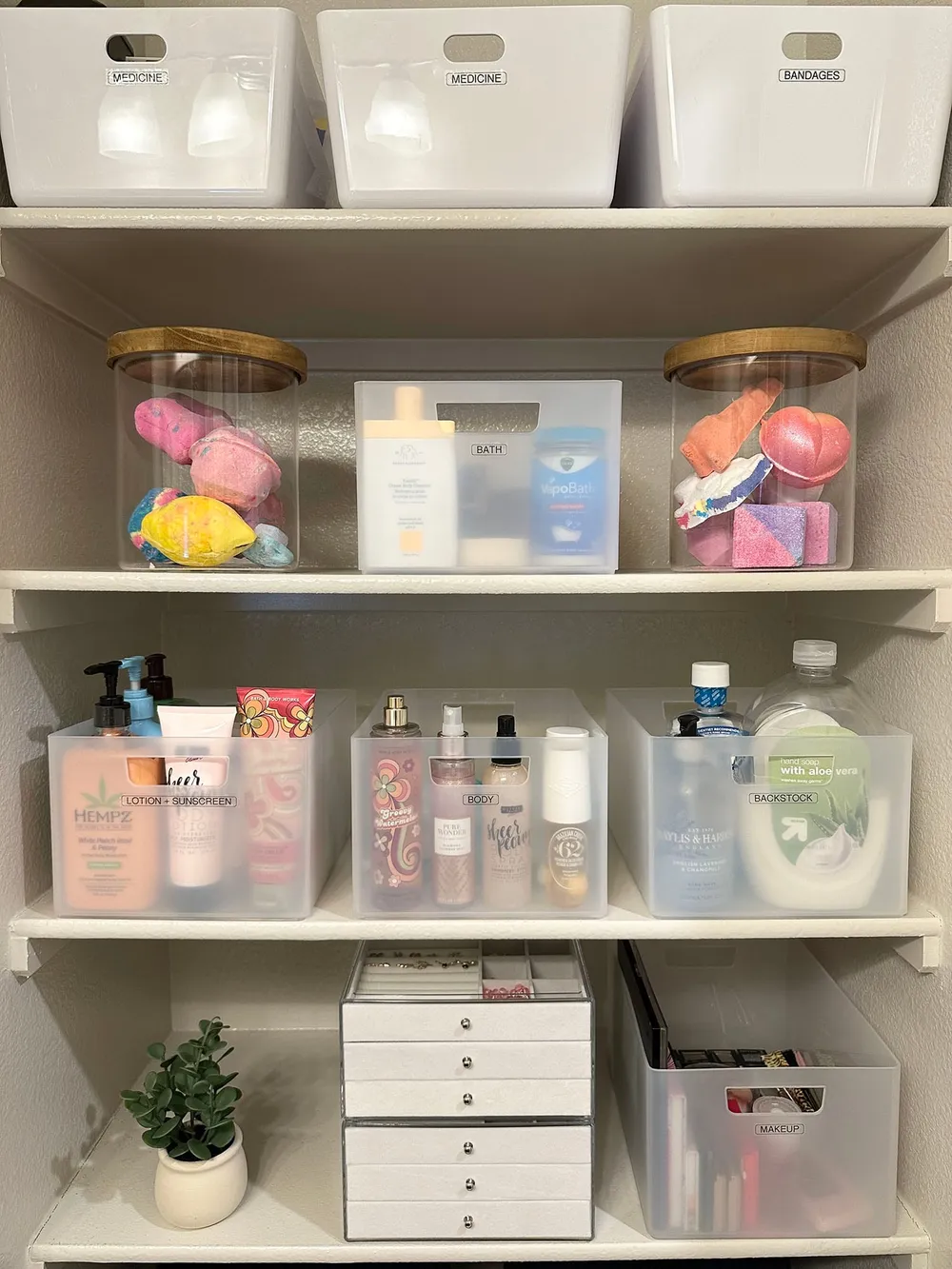
Label supply bins and file drawers, then do the five-minute reset at the end of the first day.
Set up a paper system with only two choices
Paper stays under control when every sheet goes into either an action file or an archive. An upright file or tray on the desk holds anything needing a decision this week; everything else is filed, scanned or shredded.
Keep categories broad: home, financial, medical, vehicles, school, business. Our guide to organizing important documents walks through what to keep and for how long, and a detailed edit of piles is in how to declutter paper clutter.

Tame cords and protect electronics from heat
Route cables before the desk goes back against the wall. A tray mounted under the desk holds the power strip, adhesive clips guide cords along the legs, and a labeled bin keeps spare chargers together.
Las Vegas sun through a west-facing window can heat a room enough to stress electronics and fade paper. Position monitors and printers out of direct sun, keep blinds closed on summer afternoons, and never store backup drives or printer ink in the garage.
Plan for dust and the daily reset
Desert dust collects on open shelves, keyboards and printer trays, so closed cabinets or lidded boxes are worth it for anything you don't touch weekly. A five-minute end-of-day reset, clearing the desk to the active-work items only, keeps the system honest.
Once a month, empty the action tray and file what's done. Quarterly, scan or shred what has aged out.